120 Line Icons
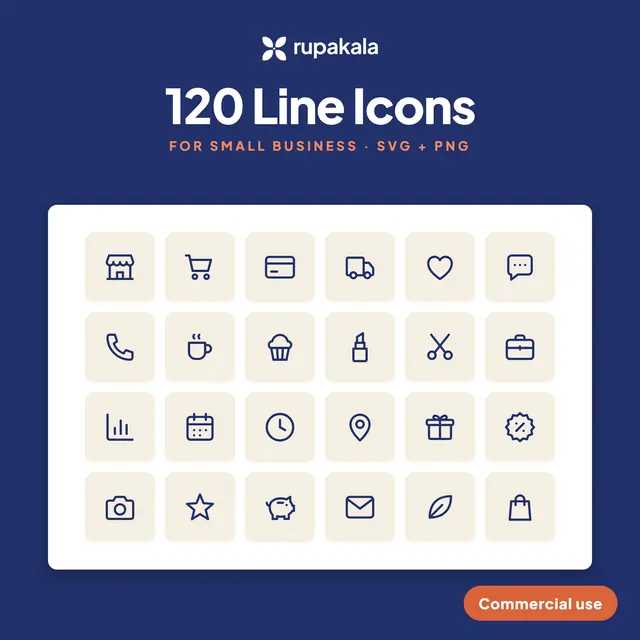
$8120 original line icons for shops, payments, shipping and social, in SVG and PNG.
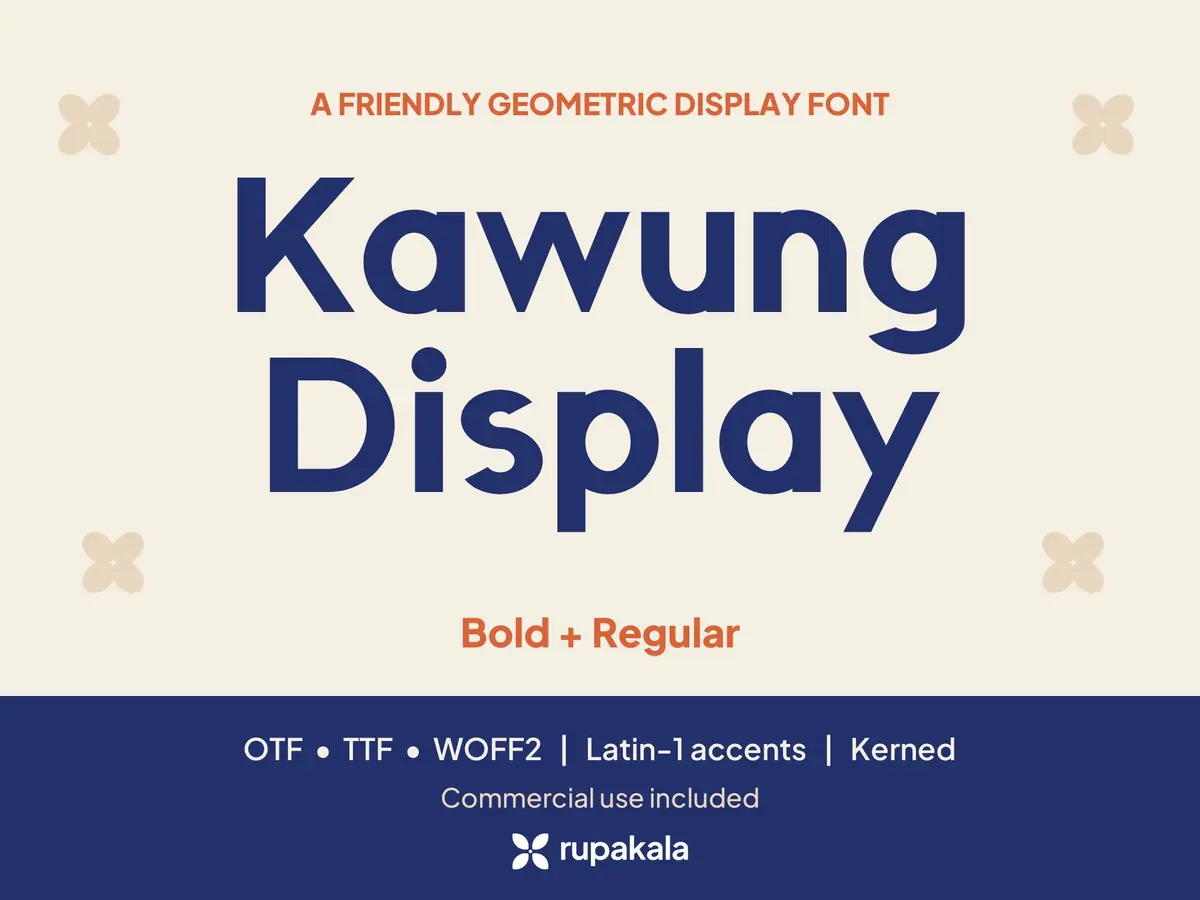
A friendly geometric display font with 2 weights (Bold + Regular) as OTF, TTF and WOFF2, for logos, headlines and social posts. Commercial use is included.
Digital files, nothing is shipped.
Kawung Display is made by Rupakala, a small design studio from Indonesia. Every letter is built in code from circles, arcs and straight stems, with small nods to kawung, the four-petal motif of Javanese batik.
You get one ZIP file. Unzip it before installing.
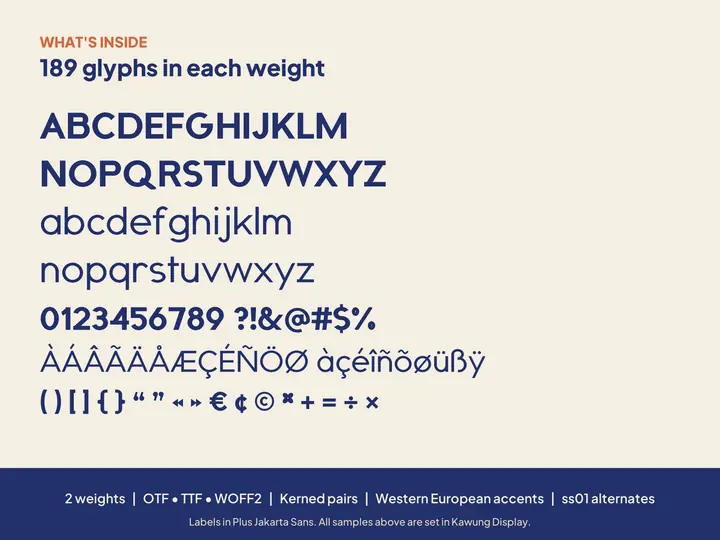
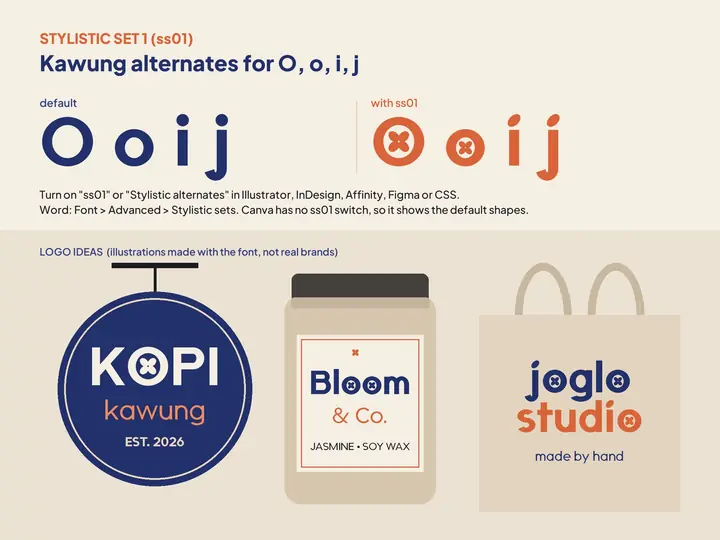
2 weights: Bold and Regular; OTF, TTF and WOFF2 files; 189 glyphs per weight: A-Z, a-z, 0-9, punctuation, symbols and Western European accents (À-ÿ, Ç, Ñ, ß, Ð, Þ); Kerning for common pairs (AV, To, Ta, Yo, LT and more); Stylistic Set 1 "Kawung alternates": a kawung flower inside O and o, petal dots on i and j; Specimen PDF; README with install steps for Windows, Mac, iPad and Canva Pro, and how to switch on the alternates in Word, Illustrator, Affinity and Figma.
A computer with Windows or macOS to install the OTF or TTF files, or Canva Pro, Teams, Education or Nonprofit to upload the font to Canva. The WOFF2 files are for websites.
Allowed: Install on your own computers Personal and commercial designs: logos, branding, social posts, print, merch, print-on-demand, videos, client work Upload to your own Canva Brand Kit WOFF2 on websites you own or build for clients Not allowed: Sharing, redistributing, reselling or sublicensing the font files (also inside templates or bundles) Uploading the files to font, file-sharing or AI-training sites
It is a digital download, so nothing is shipped. Right after you pay on Gumroad, the files are ready to download from the receipt email and your Gumroad library. If you buy on Etsy, download them from your Etsy Purchases page.
120 original line icons for shops, payments, shipping and social, in SVG and PNG.
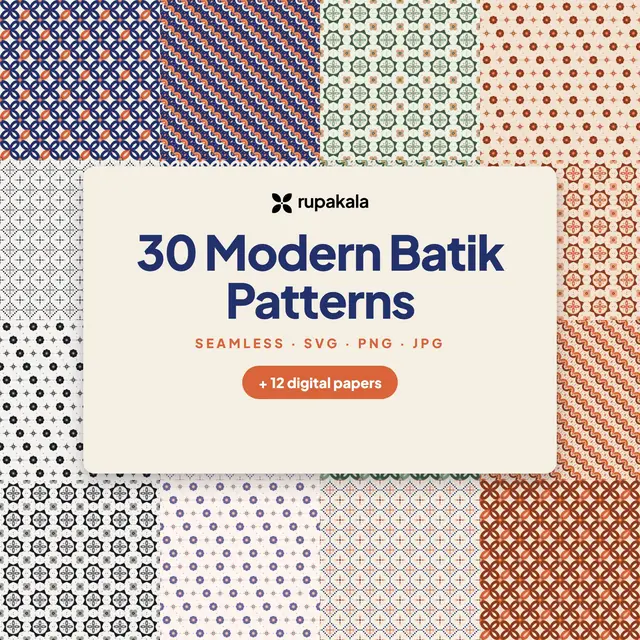
30 repeating pattern tiles and 12 digital papers drawn from kawung, parang and ceplok.
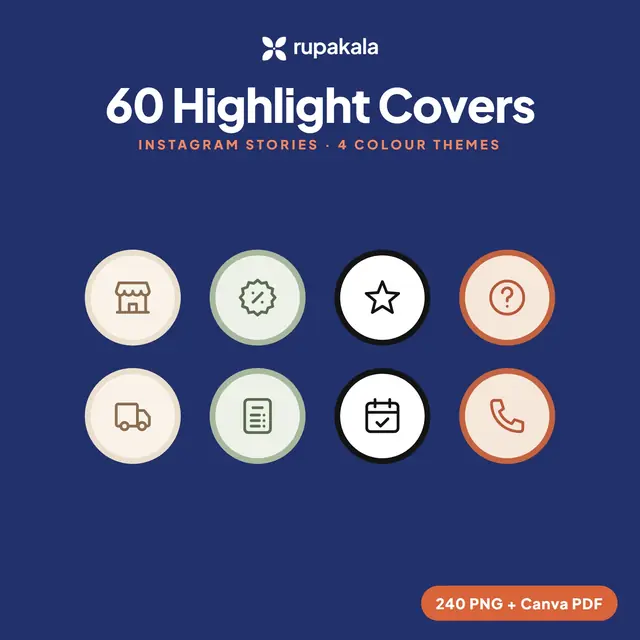
60 story highlight covers in 4 colour themes, 240 PNG files in all.
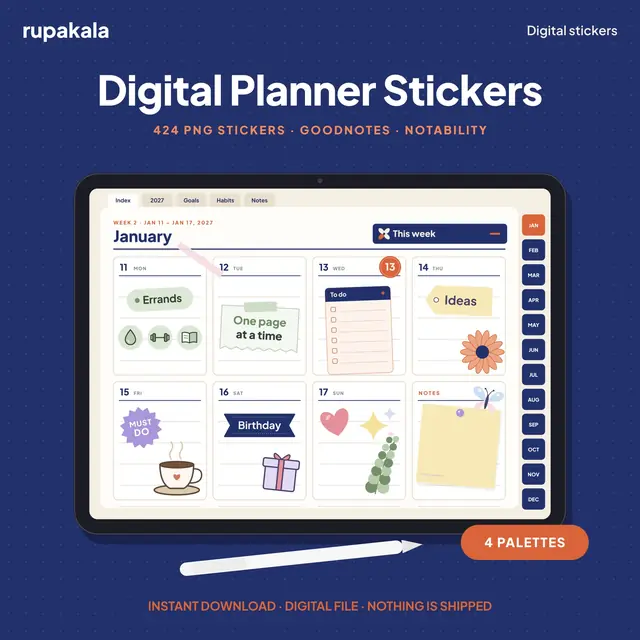
424 pre-cropped PNG stickers and a sticker book for GoodNotes and Notability.