Letter and A4: what is the difference?
US Letter measures 8.5 × 11 inches (216 × 279 mm). It is the standard paper in the United States, Canada, Mexico, the Philippines and parts of Latin America. A4 measures 210 × 297 mm (8.27 × 11.69 inches) and is the standard almost everywhere else, including the UK, Europe, Australia, most of Asia and Africa.
The two look alike but they are not the same: A4 is about 6 mm narrower and 18 mm taller. If you print an A4 page on Letter paper at full size, the top or bottom gets cut. If you print a Letter page on A4, you get an uneven white band. That is why every Rupakala planner includes both sizes in the download.
Which size should you choose?
Choose the size of the paper you can buy easily, because you will be printing refills. A simple test: look at a pack of printer paper in your home or the nearest shop. If it says 8.5 × 11 or "Letter", use the Letter PDF. If it says A4 or 210 × 297, use the A4 PDF.
Also think about where the pages will live. Most ring binders and planner covers are made for one of the two sizes. If you already own a binder, measure it before you print a year of pages.
The three print settings that matter
- Paper size in the print dialog must match the PDF and the paper in the tray. Printers often default to one size; change it to Letter or A4 to match.
- Scale: Actual size or 100%. In Adobe Acrobat Reader choose Actual size under Page Sizing. In the Mac Preview app set Scale to 100%. In Chrome or Edge, open More settings and set Scale to 100 or Default. Our pages leave white margins, so they print fully on almost all home printers. If your printer still clips an edge, choose Fit or Fit to printable area; the page shrinks by a few percent and everything fits.
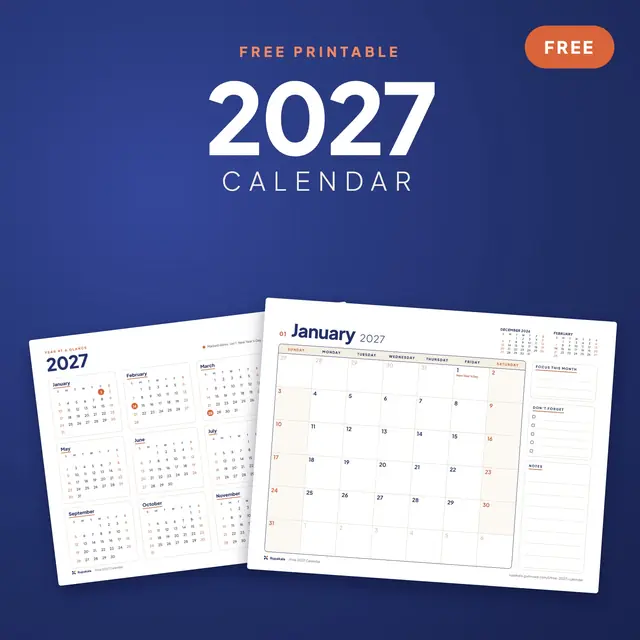
- Orientation. Planners are usually portrait; wall calendars such as our free 2027 calendar are landscape. Set the orientation to match the PDF, or leave it on Auto.
Print one page as a test before you print a whole year. Check that the margins look even and that nothing is cut.
Print only the pages you need
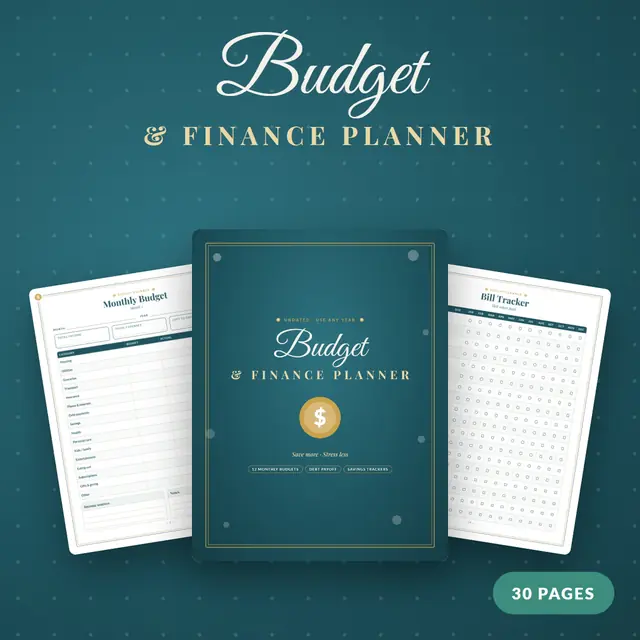
You do not have to print everything at once. In the print dialog, type a page range such as 3-6 to print one month. Many people print a month or a quarter at a time, which keeps the binder light and lets you change paper or layout halfway through the year. Undated planners, such as the Budget & Finance Planner, are made for this: print the same page as often as you need it.
Choosing paper
- Everyday paper (80 gsm or 20 lb) works, but ink can show through when you print on both sides.
- Heavier paper (100 to 120 gsm, or 24 to 32 lb) is the sweet spot for planners. It feels better under a pen and hides the page behind it.
- Cardstock (160 to 200 gsm) is good for covers, dividers and charts that hang on the fridge, like a chore chart. Check the heaviest paper your printer accepts first; many home inkjets handle around 200 gsm through the rear tray.
Matte paper is easier to write on than glossy. If you use gel pens or fountain pens, a quick test on one sheet tells you whether the ink smears.
Double-sided printing
If your printer prints on both sides by itself, choose Print on both sides and Flip on long edge for portrait pages. For landscape pages, choose Flip on short edge. If your printer cannot do it automatically, print the odd pages first, put the stack back in the tray as the printer's guide shows, and then print the even pages. Do one test sheet to learn which way your printer wants the paper.
Saving ink
Our printables use mostly white pages with thin lines, so they are already easy on ink. To save more, choose Draft or Fast quality, or print in greyscale. Lines stay sharp enough to write on.
Binding your planner
- Ring binder: the simplest option. In North America use a three-hole punch for Letter pages; with A4, a two-hole or four-hole punch fits standard European binders.
- Disc binding: special punched discs let you move pages around and lie the planner flat. You need a disc punch, but refills are quick.
- Clipboard or folder: fine for a single month on the desk.
- Print shop: most copy shops will print and coil-bind a PDF for a small fee. Ask them to print at 100% with no scaling and tell them the paper size of the file.
Using the same planner on a tablet
The PDFs also open in note-taking apps such as GoodNotes, Notability and Xodo, where you write with a stylus. Import the PDF into the app and write straight on the pages. If you mainly plan on an iPad, the Digital Planner 2027 adds tabs and links that jump between months and weeks.
Quick checklist
- Pick the PDF that matches your paper: Letter or A4.
- Set the paper size, Scale 100% (or Fit), and the right orientation.
- Print one test page.
- Print the range you need on 100 to 120 gsm paper.
- Punch and bind.
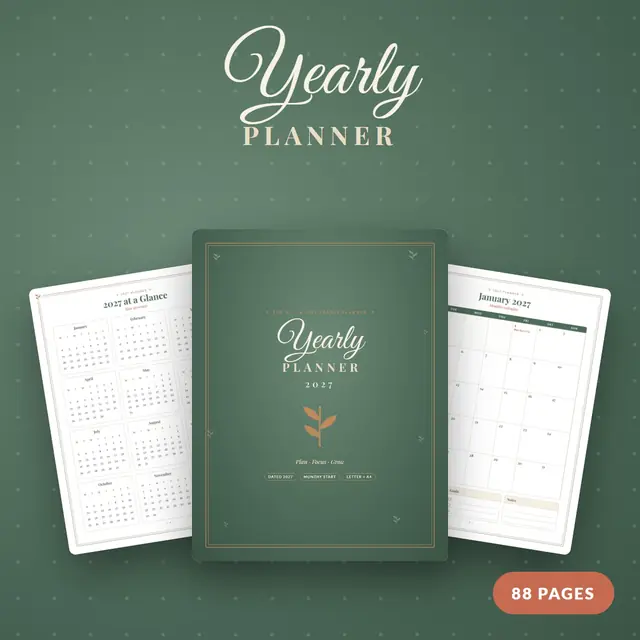
Ready to start? Try it with the free 2027 calendar, then move on to the full 2027 Yearly Planner.